When choosing labels for frozen or refrigerated storage, look separately at the temperature the label withstands and the temperature at the moment it's applied. Label makers' spec sheets list 2 temperatures: the minimum application temperature, which the air and the package surface must be warmer than when you apply the label, and the service temperature range, which the label withstands after being properly applied and allowed to set, typically for 24 hours. Read the two lines separately, and first establish whether your work applies labels at room temperature, around 20°C, or inside a freezer below zero.
Minimum application temperature vs. service temperature range
Putting side by side the specs of 4 direct thermal and thermal transfer labels published by Zebra shows how different the two temperatures can be.
| Label | Face stock and print method | Adhesive | Minimum application temperature | Service temperature range |
|---|---|---|---|---|
| Z-Perform 1000D | Uncoated direct thermal paper, direct thermal | Permanent acrylic | 3°C | −54 to 93°C |
| Z-Perform 2000D | Coated direct thermal paper, direct thermal | All-temp acrylic | −40°C | −54 to 55°C |
| PolyPro 3000D | Topcoated polypropylene, direct thermal | All-temp permanent acrylic | −29°C | −54 to 93°C |
| 8000T CryoCool | Gloss polypropylene, thermal transfer (resin ribbon recommended) | Permanent acrylic type | −29°C | −196 to 88°C |
The 1000D row makes the difference clear. Applied to packaging at room temperature and then put in a freezer, it withstands down to −54°C, but applied to frozen boxes inside a freezer warehouse, the conditions are colder than its 3°C minimum application temperature, so it's outside the spec. Even for the same frozen storage, the right label changes depending on whether it's applied outside or inside the freezer.
Choosing labels by workflow
- If you apply labels at a room-temperature workbench and move the items straight into a refrigerator or freezer, look at the lower number of the service temperature range rather than the minimum application temperature. If you can let them set for about 24 hours after applying before putting them in, you're closer to the spec sheet conditions.
- If you apply labels to boxes or bags that are already frozen inside a freezer warehouse, choose an all-temperature adhesive whose minimum application temperature is lower than the warehouse temperature. For a −25°C warehouse, labels rated −29°C or −40°C are within conditions.
- For samples and raw materials that are frozen and thawed many times, choose a thermal transfer combination printed with a resin ribbon on synthetic stock such as polypropylene rather than direct thermal paper. 8000T CryoCool is this combination, and resin is the ribbon grade paired with synthetic labels.
- For labels applied directly to food packaging, also check the spec sheet for whether the adhesive is suitable for food contact. The 2000D adhesive meets US FDA 175.105 indirect food contact requirements.
Direct thermal vs. thermal transfer, and moisture on refrigerated displays
Direct thermal labels print without a ribbon, and 2000D is a direct thermal paper with a protective topcoat that raises its resistance to moisture and grease. Polypropylene synthetic direct thermal labels like PolyPro 3000D are made separately for refrigerated packaging where moisture resistance matters. Among GoodLabel roll labels, YUPO direct thermal labels are a waterproof synthetic paper printed without a ribbon, and YUPO labels are thermal transfer media on waterproof synthetic paper (YUPO), printed with a ribbon. To use either of them in a process where labels go directly onto frozen surfaces inside a freezer, tell us the warehouse temperature (e.g., −25°C) and the packaging material, and match the adhesive conditions through a one-on-one consultation.
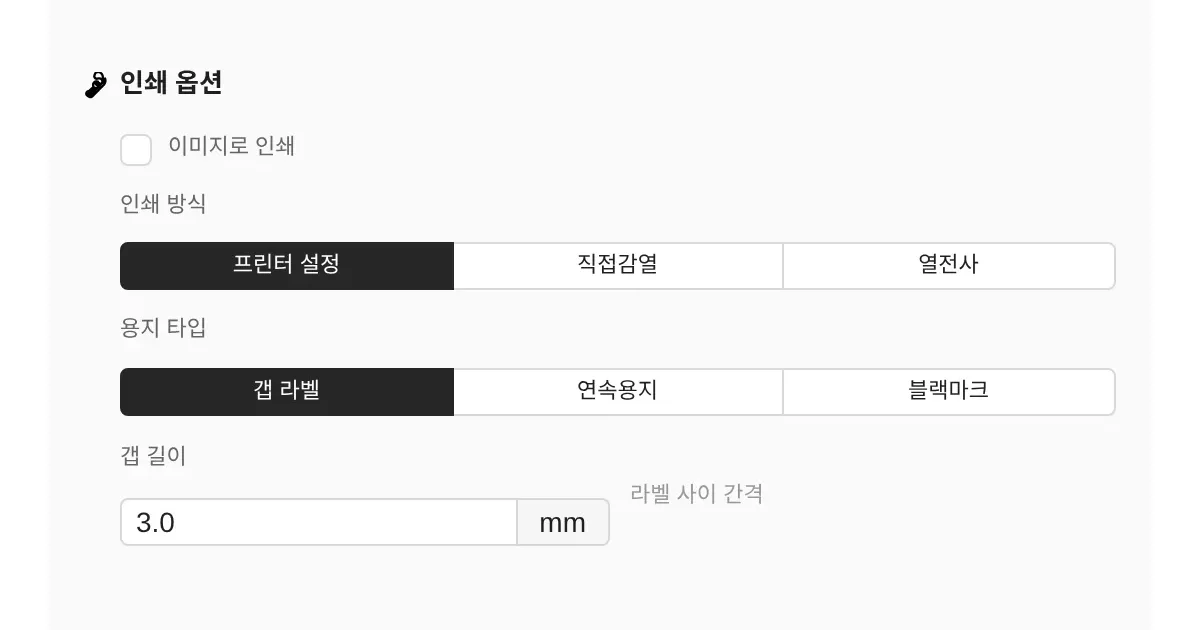
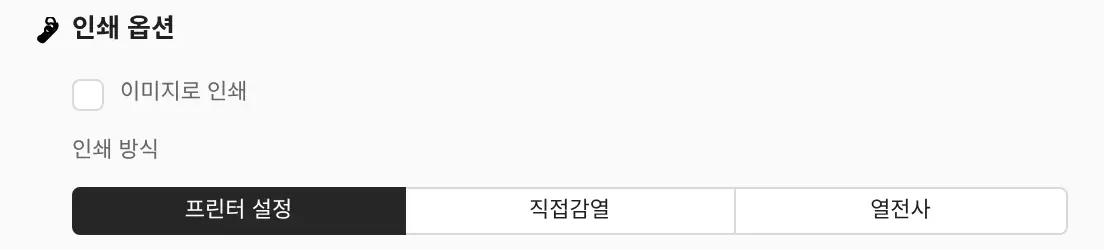
The recommended partner for 8000T CryoCool, made for samples that are repeatedly frozen and thawed, is a resin ribbon, so if you print YUPO labels for the same purpose, test them printed with the Resin 300M ribbon. Ribbon pairings by label and GoodLabel Designer's print method and density settings are in a table in ribbon pairings for GoodLabel labels, and the fields to change when you switch between direct thermal rolls and ribbon rolls are in designer print method settings.
Freezer (cold-resistant) labels made by GoodLabel
GoodLabel produces freezer (cold-resistant) labels separately, made from cold-resistant stock coated with a special adhesive. They are used for the winter waybill labels of Korean couriers and for frozen food packaging, and are made to order. Contact us by email via the Contact page with the storage temperature, the packaging surface the label goes on, and whether you apply labels at room temperature or inside the freezer, and we will advise based on those conditions. At the other end of the scale, we also make heat-resistant labels for high-temperature use, such as in semiconductor manufacturing.
Printer location and condensation
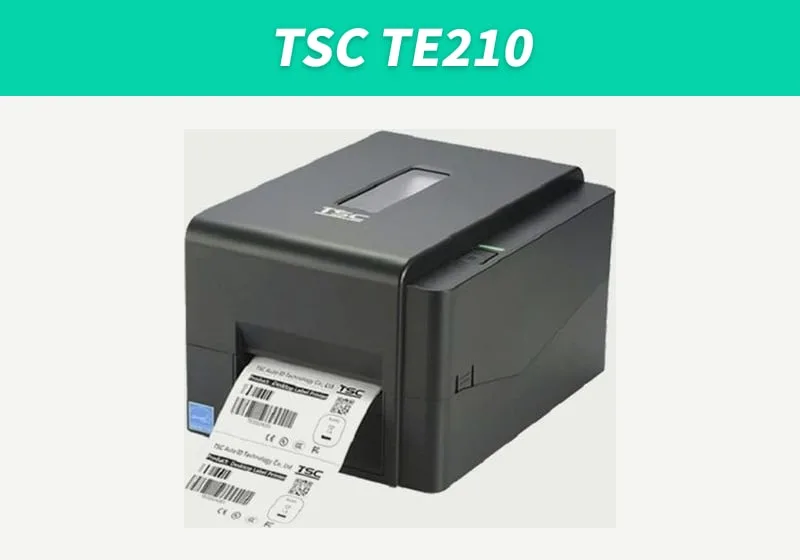
Keep the label printer outside the freezer, somewhere 5°C or warmer. The Zebra ZD421's operating temperature is 5–41°C with operating humidity of 10–90% (non-condensing), and the TSC TE210 also operates at 5–40°C and 25–85% humidity (non-condensing). If the surroundings are colder than its minimum operating temperature, the ZD421 shows a Printhead Under Temp warning, meaning the head isn't warm enough to print.
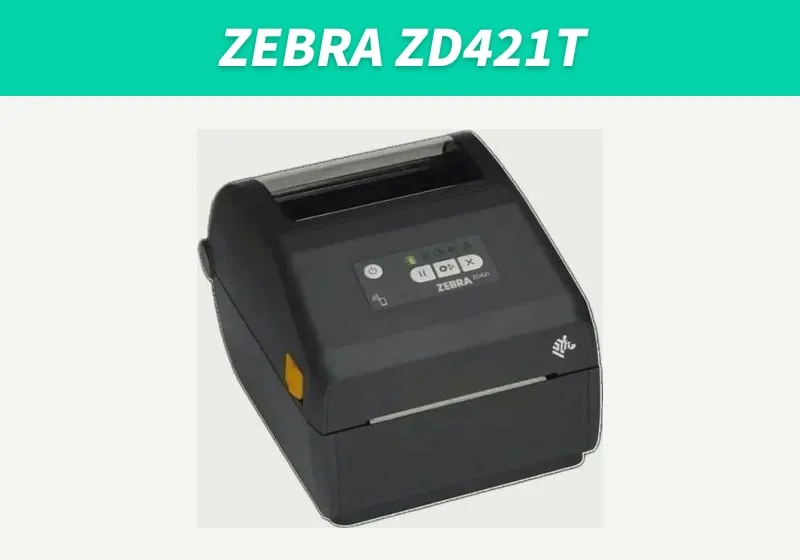
- Keep the printer and label rolls in a room-temperature office space or at the packing station, and avoid spots where cold air comes and goes, such as right in front of a freezer door.
- When loading a label roll that was kept in a cold warehouse, wait until the roll reaches room temperature. Both the ZD421 and the TE210 list non-condensing humidity as an operating condition.
- Apply the printed labels to packaging at room temperature, and if possible freeze them after the setting time on the spec sheet (typically 24 hours).
- With the first roll, put about 10 labels in your actual freezer for a day, then take them out and check for lifting, barcode reading and smudged text before printing the full quantity.
How to connect this direct thermal and thermal transfer 203dpi printer and the media that suit it are on the TSC TE210 page, and food labeling requirements in Korea, such as the storage method and use-by date, are in the food labeling article (in Korean).