
Free Label Software & Barcode Generator
Windows 10 / 11
Create barcodes, design labels and print Excel data with free Windows label software. Includes 69 barcode menu entries, editable tables, public templates and 12 interface languages.
Windows 10 / 11 · 203 / 300 / 600 DPI
Choose from 12 interface languages in Program Settings, including English. Your label text is not translated automatically.
GOODLABEL DESIGNER
See how easy labels can be.
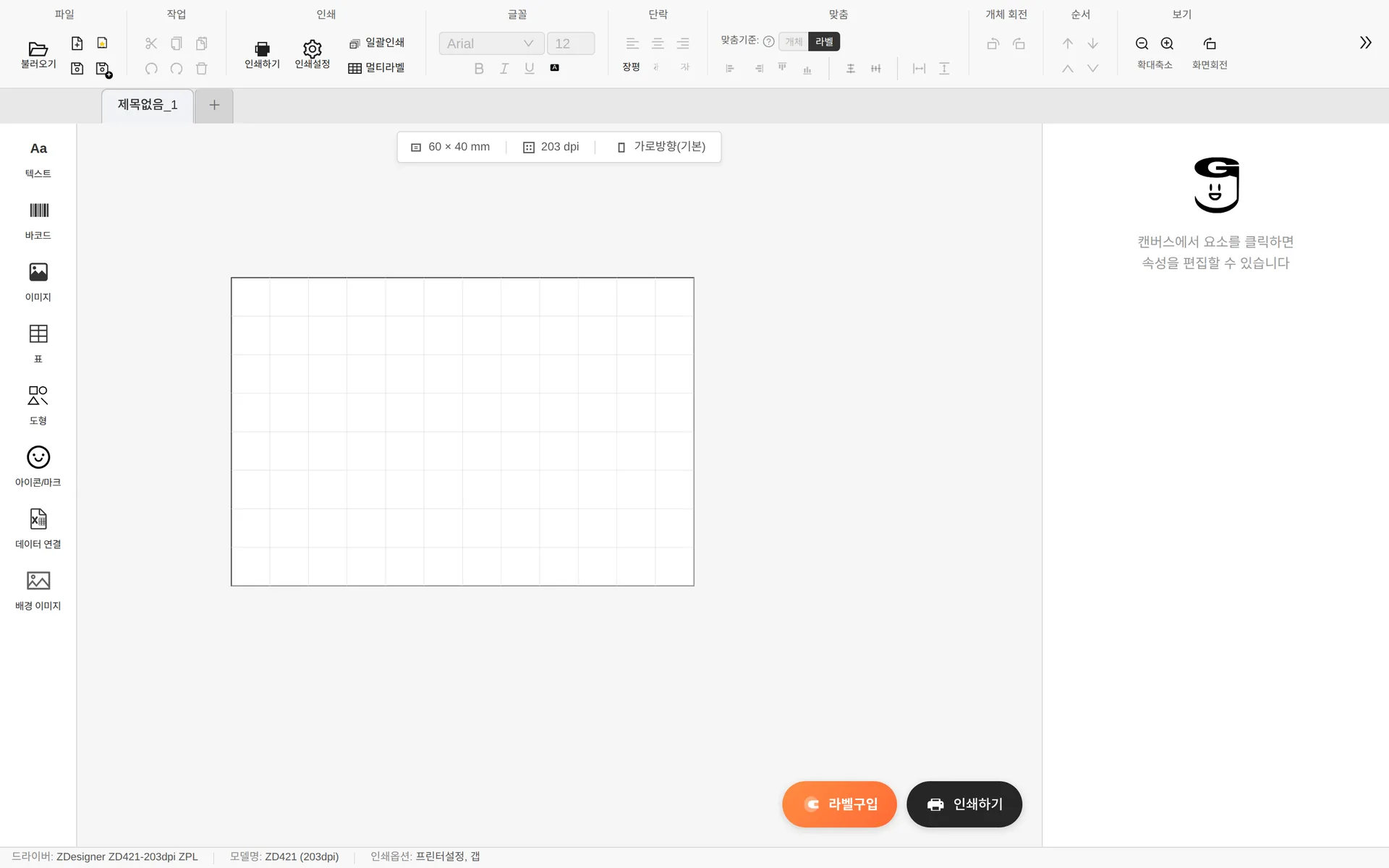
From barcodes to tables. Watch the real editor in action.
From label design to printing
Barcode generator
Generate CODE128, EAN13, QR, Data Matrix, GS1, Food QR and other 1D/2D barcodes. Beta entries are included in the supported list. Verify printed labels with your actual scanner.
Editable tables
The table tool opens the new editor first. Merge or split cells, resize individual rows and columns, and fit row heights to content. Existing tables remain editable.
Program Settings
Open Program Settings at the right of the ribbon to change the interface language, rulers and grid. Rulers and grid are on by default.
Excel, CSV and GLB files
Connect Excel/CSV data to print a different label for each row. GLB saves the design, embedded data, sheet-label settings and linked product information together.
Public templates and label stock
Open bundled public templates as new documents without signing in. Choose paper, size and product to visit SmartStore. Product links stay with saved documents; select store options on the seller page.
Printers and resolution
ZPL, TSPL and EZPL printers receive the label directly as raster data (RAW), while Toshiba (TPCL) and Honeywell DPL models print through the Windows driver. SATO models are in the ZPL list. Select 203, 300 or 600 DPI to match the model and check media and ribbon requirements.
GoodLabel Lab
An experimental photo-to-label tool reconstructs editable objects. Access permission and your API key are required. Choose default GPT-5.4 mini or advanced GPT-5.5, then check text, lines and barcodes.
Used across every industry
System requirements
Label editing, barcode generation, GLB files and printing are free. Experimental AI photo conversion requires your own API key and may incur separate API charges.
After installation, basic editing, local GLB files, bundled templates and printer output work offline. Downloads, updates, shopping pages and AI services require internet access.
Interface languages
Choose from 12 interface languages in Program Settings, including English. Your label text is not translated automatically.
Windows 10 / 11 · 203 / 300 / 600 DPI
Choose from 12 interface languages in Program Settings, including English. Your label text is not translated automatically.
All supported barcode entries
69 is the number of selectable barcode entries, including beta, legacy and NEW rendering variants. It is not a count of distinct international standards.