Adding images
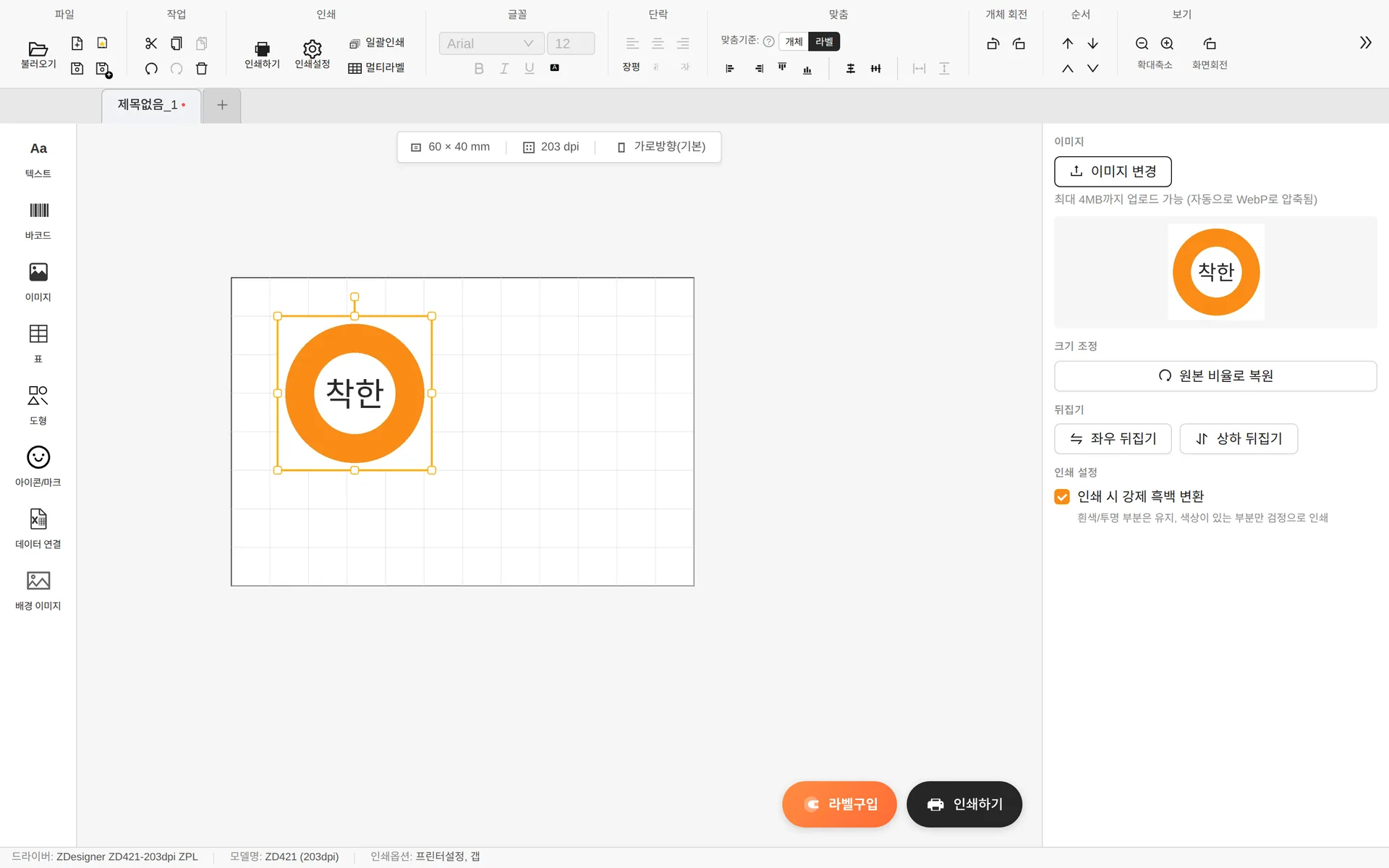
- You can upload JPG · PNG · SVG files up to 4MB. They are compressed to WebP automatically.
- Restore aspect ratio — Restores the original proportions if they got distorted while resizing.
- Flip horizontally/vertically
- Force monochrome when printing — Keeps white/transparent areas and prints only the colored areas in black. Because label printers print in black and white, this is on by default.
Icons / marks / care symbols
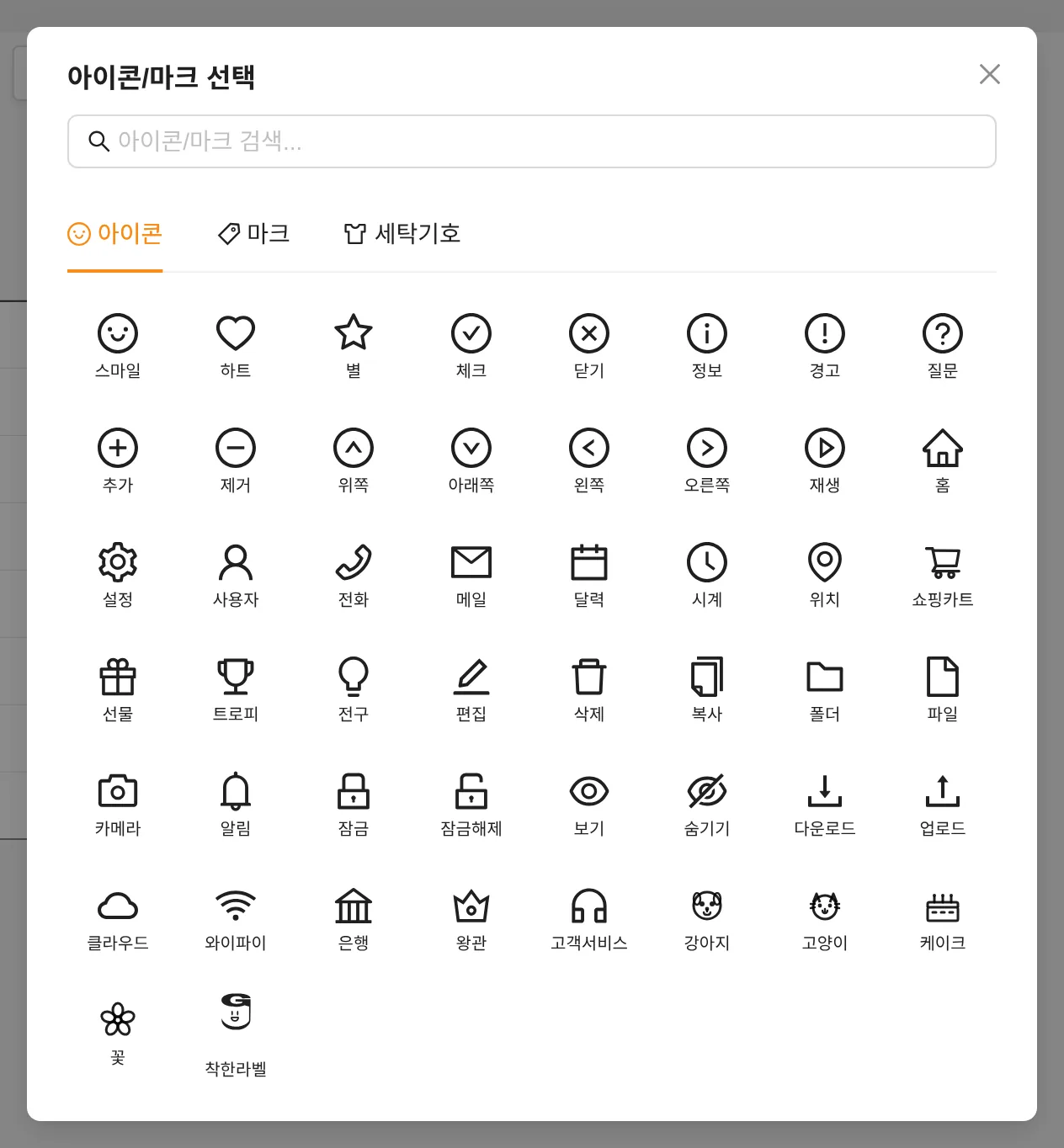
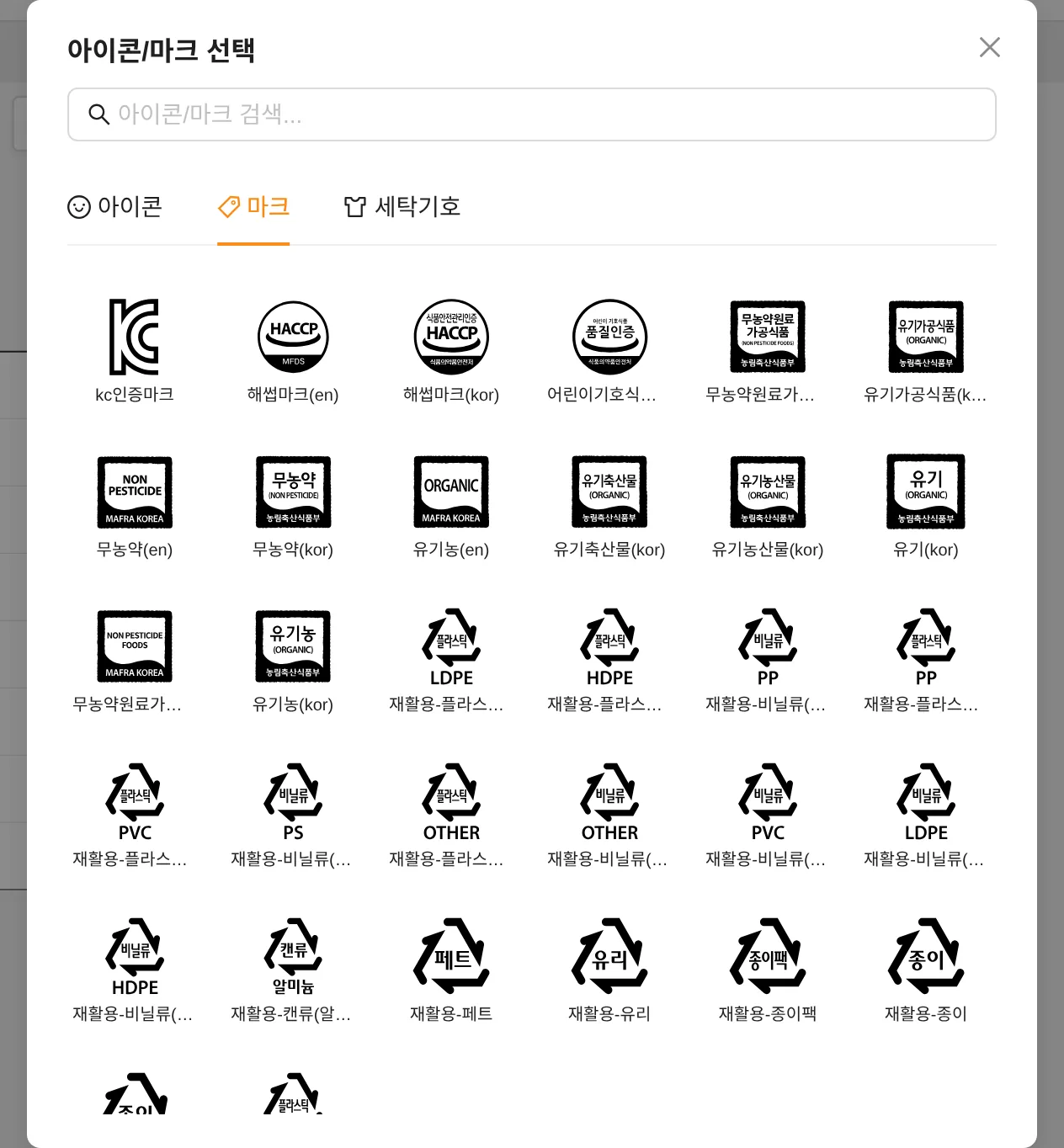
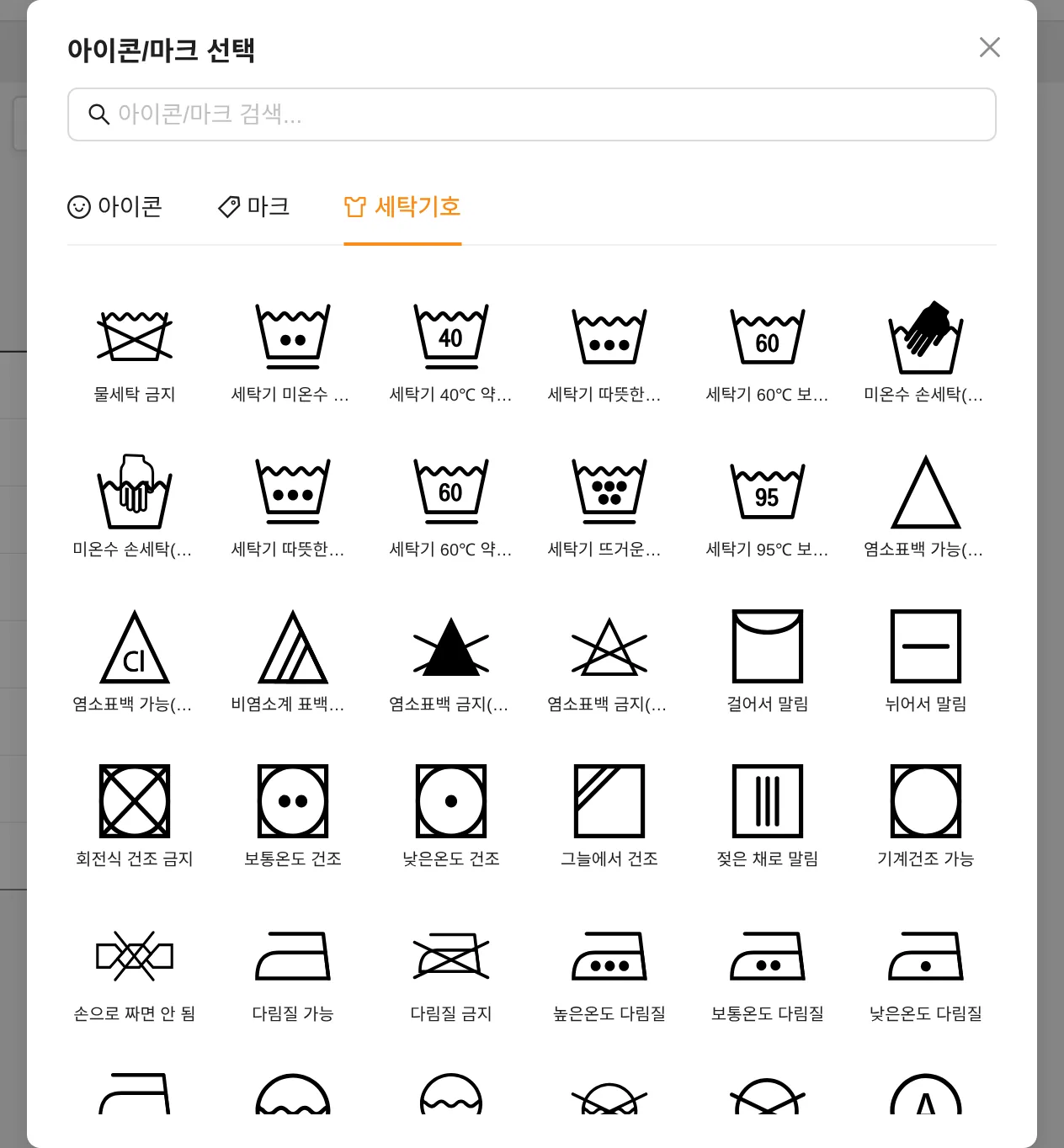
Icons/marks in the tool panel contains built-in, commonly used pictograms that you can insert without an image file.
Background image
- Use it to place a photo or scan of an existing label in the background and design over it.
- Background images are not printed. They are a guide visible only in the editor.
- You can adjust show/hide, edit lock, fit position, rotation, flip and opacity.