A care label sewn inside a garment places 5 care symbols in a set order in one row on 30–40mm-wide fabric, with the fiber content and care instructions written below them. GoodLabel Designer includes 15 washing and bleaching symbols split into US and European versions, so once you decide which country's symbols to use, the rest of the layout works out within a fabric width of 30, 35 or 40mm.
Symbol order and the two standards
Under ISO 3758:2023 and GINETEX, the symbol order is washing → bleaching → drying → ironing → professional care (dry cleaning and wet cleaning). The US FTC Care Labeling Rule requires ASTM D5489 symbols if symbols are used, and also allows care instructions written only as English sentences, with no symbols.
| Item | ISO 3758:2023 (GINETEX) | ASTM (FTC symbol chart) |
|---|---|---|
| Wash temperature | Number in the tub: 30, 40, 60, 70, 95 (℃) | Dots in the tub: 1 dot 30℃, 2 dots 40℃, 3 dots 50℃, 4 dots 60℃, 5 dots 70℃, 6 dots 95℃ |
| Bars under the tub | 1 bar mild wash, 2 bars very mild wash | 1 bar permanent press, 2 bars delicate/gentle |
| Iron with 1, 2, 3 dots | Maximum 120, 160, 210℃ | Maximum 110, 150, 200℃ |
| Tumble dry with 1, 2 dots | Low temperature (60℃), normal (80℃) | Low, medium (3 dots is high) |
| Letter in the dry cleaning circle | P perchloroethylene and hydrocarbon, F hydrocarbon | A any solvent, P any solvent except trichloroethylene, F petroleum solvent only |
Some symbols with the same shape mean different things in the two charts, such as ironing, where the temperatures differ by 10℃, so don't mix US and European symbols on one label. For garments going to the US, fill all 5 symbols from the ASTM D5489 set; for Europe and other export markets, use the ISO 3758 set.
Symbol names on the designer's Care symbols tab vs. standard meanings
The symbols are on the Care symbols tab of the window that opens when you click Icons/marks in the tool panel. There are 38 of them, and the 10 washing and 5 bleaching symbols have a US or Europe marker at the end of their names. The 11 rows below are symbols whose on-screen name differs from their meaning in the standard charts, or whose shape appears in only one of the ISO and ASTM charts, so choose them by the number of dots and bars in the picture, not by name.
| Designer symbol name (English meaning) | Shape drawn | Meaning in the standard charts |
|---|---|---|
| Machine wash, lukewarm, gentle (US) | 2 dots in the tub, 1 bar | ASTM maximum 40℃, permanent press cycle |
| Machine wash, warm, gentle (US) | 3 dots in the tub, 1 bar | ASTM maximum 50℃, permanent press cycle |
| Machine wash, warm, normal (US) | 3 dots in the tub, no bar | ASTM maximum 50℃, normal cycle |
| Machine wash, hot, normal (US) | 5 dots in the tub, 1 bar | ASTM maximum 70℃, permanent press cycle |
| Chlorine bleach allowed (Europe, Cl) | Letters Cl in a triangle | Not in the ISO 3758:2023 symbol list |
| Chlorine bleach allowed (US) | Empty triangle | Any bleach allowed, in both ISO and ASTM |
| Do not chlorine bleach (Europe), (US) | X over an empty triangle (Europe), X over a black triangle (US) | Do not bleach (including oxygen bleach) in the ISO and ASTM charts respectively |
| Line dry, drip dry, dry in shade | Curve at the top of a square, 3 vertical lines, 2 diagonal lines in the corner | ASTM natural drying shapes (ISO shows them with horizontal and vertical lines and 1 diagonal line inside the square) |
| Dry clean, dry clean (professional only) | Wavy line in a circle (professional only adds a bar under the circle) | Not in either the ISO or ASTM chart |
| Dry clean, any solvent (A) | A in a circle | A symbol found only in ASTM |
| Dry clean, trichlorotrifluoromethane (F) | F in a circle | ISO: hydrocarbon solvent; ASTM: petroleum solvent only |
On a label that follows ISO 3758:2023, use the empty triangle instead of the Cl triangle to allow any bleach, and the triangle with 2 diagonal lines (non-chlorine bleach only) to allow oxygen bleach only. For a garment that should not get even oxygen bleach, use the empty triangle with an X on a European label and the black triangle with an X on a US label. Fill the fifth slot, professional care, with one of the 2 circles with P or F on an ISO label, or one of the 3 with A, P or F on a US label, and leave out the 2 wavy-line circles.
Placing 5 symbols on a 30–40mm width
- In a new document, enter the fabric width (30, 35 or 40mm) as the width and the length of one label to attach to the garment as the height, in mm. For the media type of 200M continuous fabric and the feed length setting (0–100mm), which appears only for EZPL printers, follow the table on the nylon cross care labels page.
- At 30mm wide, make each symbol 4.5mm square with 1mm between symbols; the 5 symbols fit in 26.5mm, leaving 1.75mm on each side. At 40mm wide, even 6mm symbols take only 34mm.
- Leave the top, where the seam will run, and the cut end blank, and place the 4.5mm symbol row inside them.
- Below the symbol row, add the fiber content (for example cotton 60%, polyester 40%) and care instructions as text. For garments exported to the US, the 3 disclosures of fiber content, country of origin and manufacturer fall under separate textile labeling rules outside the FTC Care Labeling Rule, so check them separately from the symbol row.
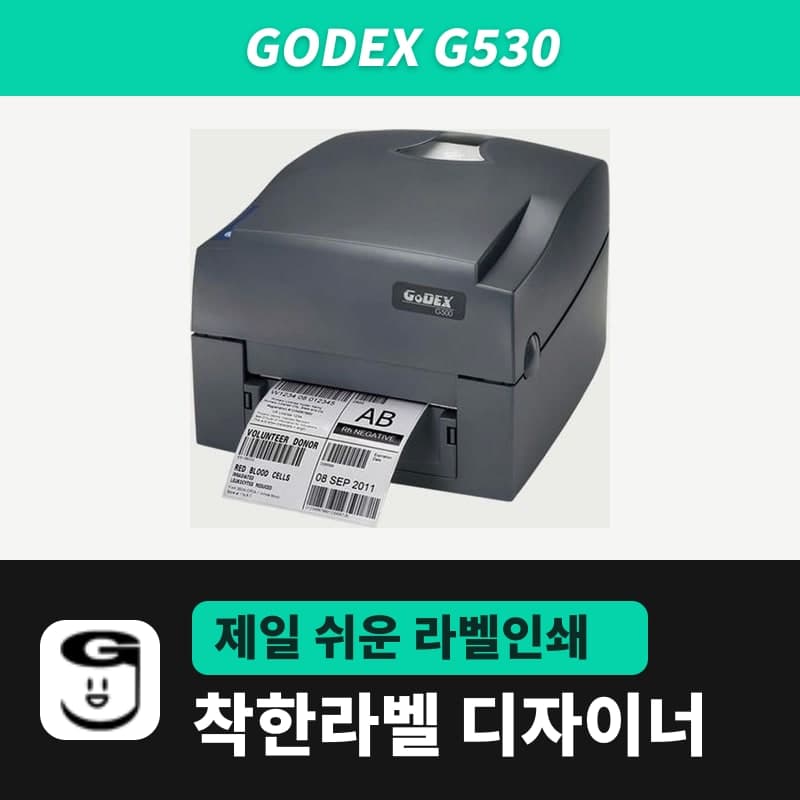
- On a 300dpi head such as the Godex G530, a 4.5mm symbol is about 53 dots wide; at 203dpi it shrinks to 36 dots. Either way, check in a test print that you can count the dots in the tub and read the temperature numbers with the naked eye.
Fabric and ribbon that stay readable after washing
Under the US FTC rule, a care label must stay permanently attached to the garment and remain readable for the life of the product. So after choosing the 5 symbols, check that the fabric and the 40mm ribbon stand up to washing.
- Print labels with small numbers and many dots on nylon cross, which takes a sharper print.
- For satin fabric on garments where softness comes first, make the text one step larger and raise EZPL density one step at a time from the default of 13.
- Both fabrics use a single ribbon size, the care label ribbon 40mm × 300M, and the print method in Printer settings stays on Thermal transfer.
- Cut a few labels from the first roll, run them through a real wash cycle two or three times, and check that the dots and temperature numbers are still there before starting production.
The Care symbols window and the screens for working with image objects are in the Images and icons/marks chapter of the user guide.