In default (RAW) printing on ZPL, TSPL and EZPL printers, GoodLabel Designer draws the whole label as a black-and-white bitmap matched to the printer resolution and sends it. The DPI you choose in the designer is therefore the dot count of the label: multiply the width and height in mm by the dpi, divide by 25.4 and round up, and that is exactly what prints. One dot is 0.125mm at 203dpi, 0.085mm at 300dpi and 0.042mm at 600dpi.
If you are still choosing a printer and want to know whether to buy 203dpi or 300dpi (barcode magnification, print speed), start with the 203dpi vs. 300dpi column (info.woojuoa.co.kr).
Two resolution settings in GoodLabel Designer
| Where | Resolutions you can choose | What changes |
|---|---|---|
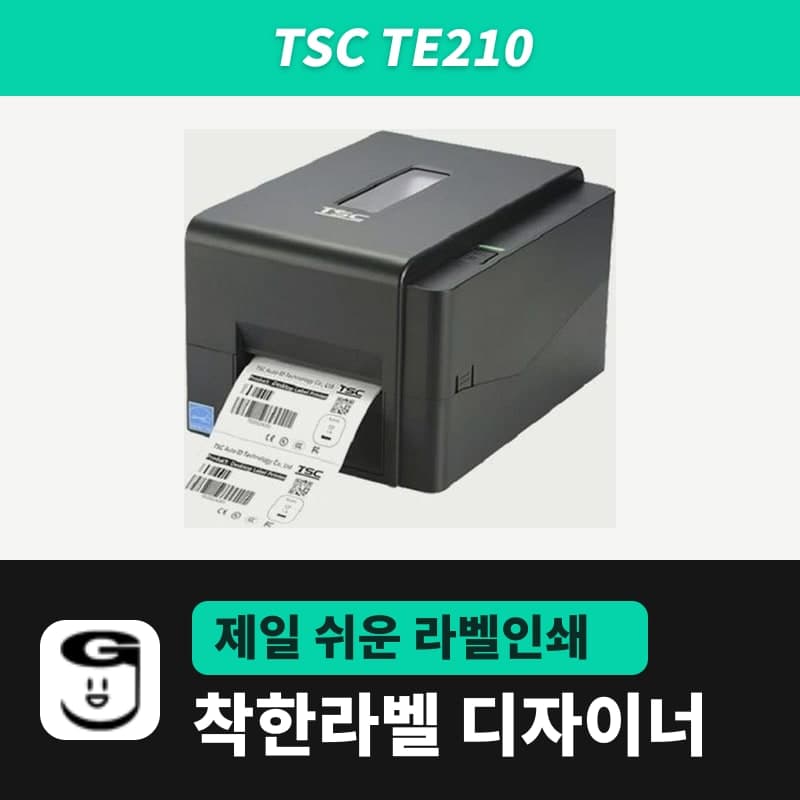
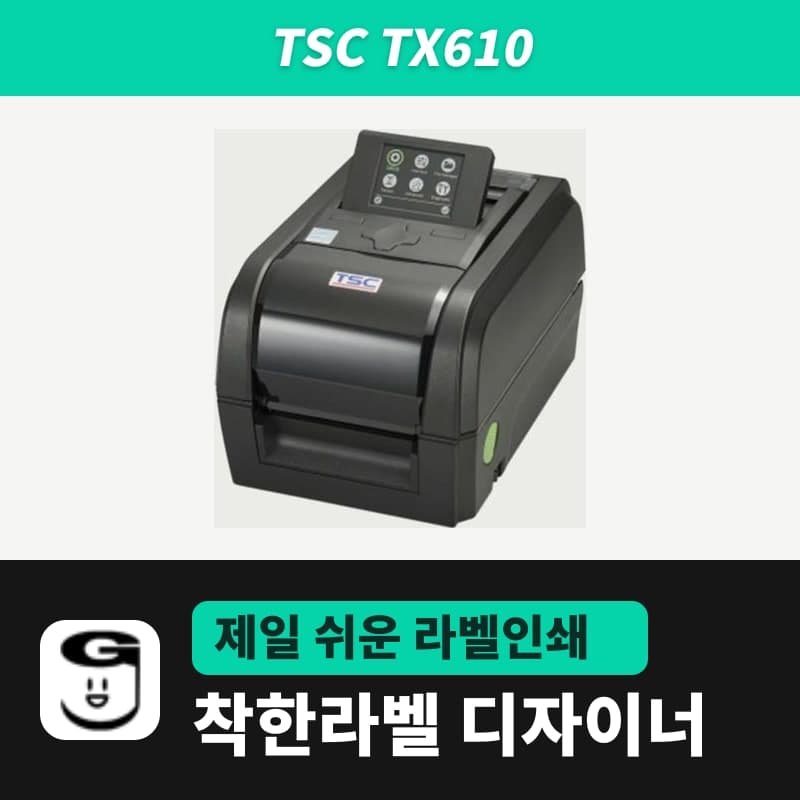
| Printer resolution (DPI) in the printer setup window (the Printer button in the ribbon) | Only values the selected model supports (203 for TE210, 600 for TX610, 203 · 300 · 600 for ZT411) | Only barcodes with an Advanced settings tab, such as the (NEW) items, UPC and EAN8, are recalculated for the new resolution; CODE128 keeps its dot count, and screen zoom stays the same |
| Printer resolution in the Printer settings window | Always shows all 3: 203 · 300 · 600 DPI | Screen zoom changes to 100% at 203 or below, 60% at 300 and 30% at 600; 1D barcodes such as CODE128 are reset to a 6-dot width at the new resolution, and 2D barcodes to the minimum module size |
The Printer settings window also shows the warning "Using a resolution different from the printer specification reduces print quality." If you send a 203dpi setting to a 300dpi printer, the image prints at a little over two-thirds of its size in both width and height, so after changing models, print one label and measure its width with a ruler. Check the DPI you can choose for each model in the compatible printers list.
Dot counts by resolution (50×30mm label)
| Resolution | Dots per mm | 2mm-tall text | Dots per 50×30mm label | Bitmap size per label |
|---|---|---|---|---|
| 203dpi | About 8 | 16 dots | 400 × 240 | About 12KB |
| 300dpi | About 11.8 | About 24 dots | 591 × 355 | About 26KB |
| 600dpi | About 23.6 | About 47 dots | 1,182 × 709 | About 105KB |
Bitmap size counts one dot as one bit, with the horizontal dot count rounded up to a multiple of 8. Going from 203dpi to 600dpi makes the data for the same label about 8.7 times larger.
Dot counts for 6pt text and line thickness
Text size in the designer is in pt, and 1pt is about 0.353mm. The character box of 6pt text, about 2.1mm tall, is drawn with 17 dots at 203dpi, 25 dots at 300dpi and 50 dots at 600dpi.
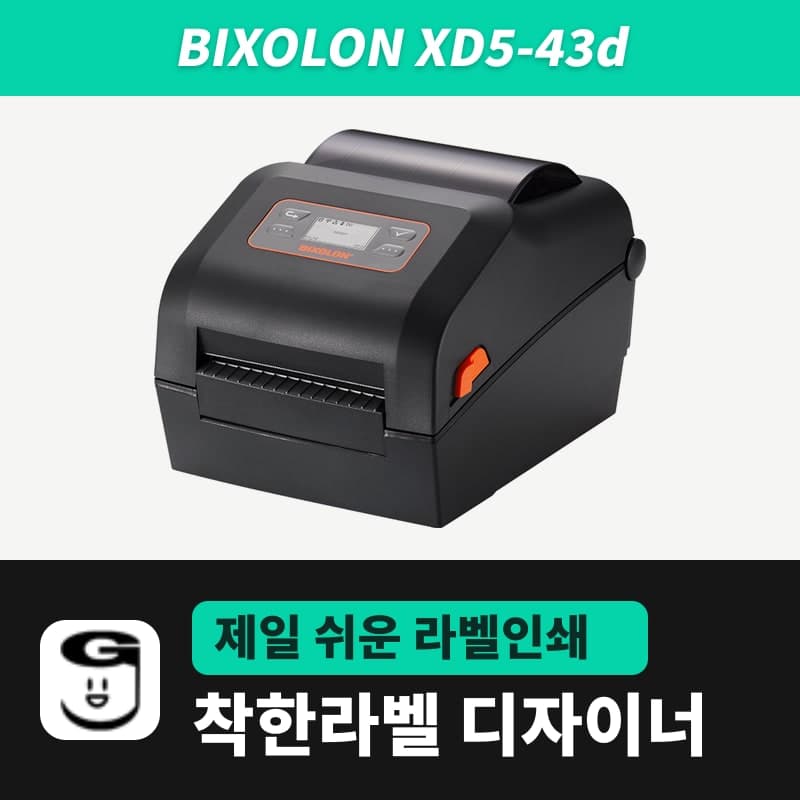
Every stroke and every gap between strokes has to fit in those 17 dots, so characters with several strokes stacked vertically, such as Korean syllables with a final consonant, blur sooner than digits of the same height. When you put several lines of origin, weight and date on a 30–40mm-wide label, a 300dpi model such as the BIXOLON XD5-43d or TSC TE310 uses nearly 1.5 times as many dots for the same text.
Line thickness is calculated differently for each element. A new table's 3pt border is about 1.06mm, so it prints a little over 8 dots wide at 203dpi. A shape's 3pt thickness, however, prints as 3 printer dots (0.375mm at 203dpi, 0.25mm at 300dpi), so it gets thinner as resolution rises. That is why the 3pt-or-more rule in the Tables and shapes chapter should be followed more strictly for shapes on printers of 300dpi and up.
Data sent by label size (50×30mm and 100×150mm)
A larger label leaves room for bigger text, but the data grows with the area. One 100×150mm shipping label is 800 × 1,199 dots, about 120KB, at 203dpi, and 2,363 × 3,544 dots, about 1MB, at 600dpi.
- When you print several copies of the same content, the designer sends one label's worth of data as long as the label has no print counter, and the printer repeats it for the number of copies with ZPL ^PQ or TSPL PRINT 1,n, so size is less of a burden.
- When every label differs, as with Excel data, a new bitmap goes out for each label, so 100 labels of 100×150mm at 600dpi means sending about 105MB.
- A small label such as 30×10mm is about 20,000 bytes per label even at 600dpi, so the gain in text sharpness outweighs the burden.
Bar width steps in whole dots
1D barcode bars get thicker only in whole dots. A newly added CODE128's bar width is set to the dot count closest to 0.250mm: 2 dots (0.250mm) at 203dpi and 3 dots (0.254mm) at 300dpi. One step up at 203dpi gives 0.375mm, 50% thicker; at 300dpi it gives 0.339mm, about 33% thicker, which makes fitting the label width easier. Bar width and scanning problems continue in When a barcode won't scan.